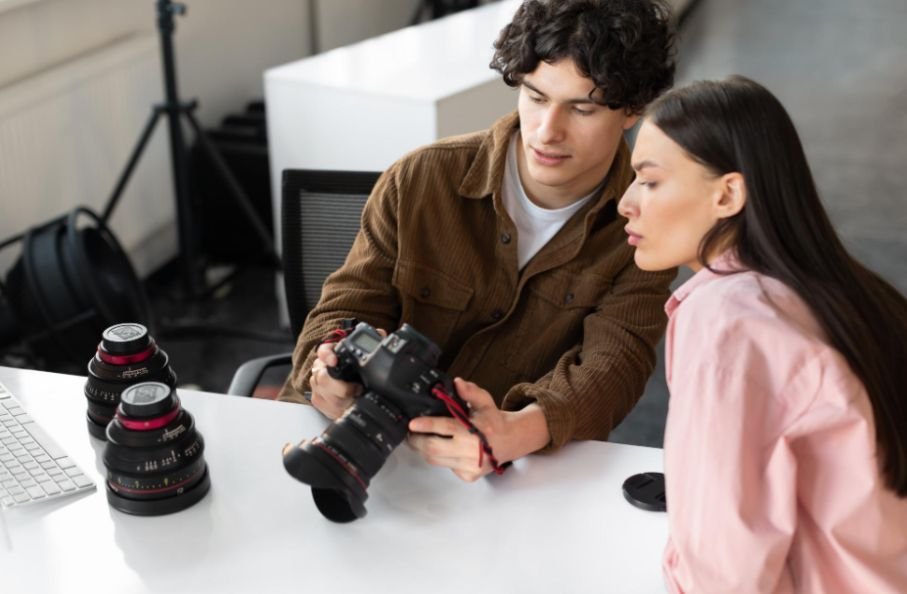
Social media video production is no longer just about recording a nice clip and posting it online. For brands, creators, and small businesses across the United States, it has become a focused process of planning, filming, editing, and publishing videos that match how people actually scroll, watch, and respond on platforms like TikTok, Instagram Reels, YouTube Shorts, Facebook, LinkedIn, and YouTube.
I like to think of social video as a fast conversation with your audience. You have only a few seconds to earn attention, prove value, and make someone want to keep watching. That is why the best videos are not always the most expensive. They are the clearest, fastest, most useful, and easiest to watch.
What Makes Social Videos Different From Traditional Videos?
Traditional video production often gives the story time to build. Social videos do not have that luxury. A viewer may be scrolling in line at a coffee shop, watching on mute during a lunch break, or comparing your content with dozens of other posts in the same minute.
That means your video needs an instant hook, mobile-friendly framing, clear captions, tight pacing, and a message that feels relevant right away. A polished brand film may work on a website, but social platforms reward content that feels quick, direct, and platform-native.
This is where video production for social media becomes different. You are not only filming a message. You are creating algorithms, screen size, attention span, sound-off viewing, and platform behavior.
How Do You Plan a Social Video Before Filming?
The strongest videos start with a clear goal. Before I write a script or plan shots, I ask one simple question: what should this video do?
A brand video may need to build trust. A product video may need to show how something works. A local business video may need to drive bookings. A creator of a video may need to grow followers or increase engagement. Once the goal is clear, the rest of the production process becomes easier.
Pre-production should include the hook, script, storyboard, shot list, aspect ratio, platform choice, and call to action. If the video is for TikTok or Instagram Reels, vertical 9:16 framing is usually the best choice.
If it is for YouTube long-form, widescreen 16:9 still works better. If it is for LinkedIn, square or vertical formats can both work, but the message must be readable without sound.
How Do You Write a Hook That Stops the Scroll?
The first three seconds can decide whether someone watches or leaves. That is why every strong social video needs a sharp opening.
A hook can be a bold statement, a question, a surprising visual, a quick result, or a direct problem. For example, instead of starting with “Hi, my name is…” a marketing brand could start with, “Your videos are not failing because of the camera. They are failing because the first three seconds are weak.”
That opening gives the viewer a reason to stay. After the hook, move quickly into the value. Avoid long intros, filler words, slow explanations, and dead air. Every second should help the viewer understand, feel, decide, or act.
What Are the Core Phases of Social Video Production?
A smooth workflow keeps production fast and consistent. The process usually has three phases: pre-production, production, and post-production.
For beginner-friendly shoots, we can use natural light for videos can make your footage look cleaner, brighter, and more professional without needing a full studio setup.
Pre-production is where you script the hook, define the audience, plan visual transitions, prepare talking points, and decide the video format. This phase keeps the shoot focused and prevents wasted footage.
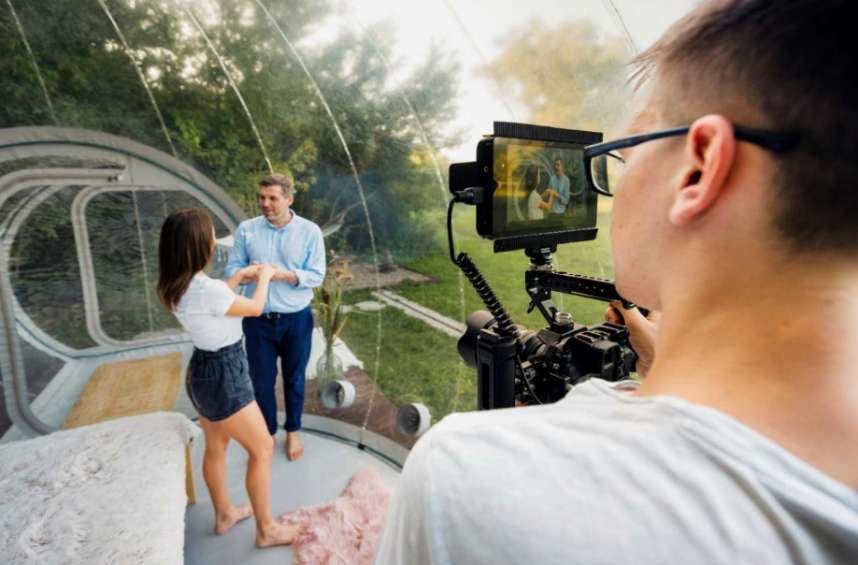
Production is where you film the actual video. You can use a smartphone, tripod, stable mobile rig, mirrorless camera, or studio setup depending on your budget. Good lighting and audio matter more than many beginners realize.
Natural light can work well, but directional microphones, clip-on mics, or wireless audio tools can make the video sound much more professional.
Post-production is where the video becomes platform-ready. This includes trimming pauses, cutting filler words, adding burn-in captions, adjusting color, mixing royalty-free music, and editing for fast pacing. Modern AI tools can also help with captions, reframing, transcripts, and repurposing.
What Platform Specs Should You Follow?
Each platform has its own rhythm. TikTok usually works best with vertical 9:16 videos around 15 to 34 seconds, especially when the video uses fast jump cuts, trending sounds, and a high-energy opening.
Instagram Reels also favors vertical 9:16 content, often between 15 and 60 seconds. Reels need strong visuals, seamless loops, useful tips, aesthetic framing, and quick value.
YouTube Shorts should stay under 60 seconds and work well when the topic is searchable. A punchy loop, clear title, and focused idea can help a Short stay discoverable.
YouTube long-form is different. Videos between 8 and 15 minutes can work well when they offer deeper storytelling, tutorials, reviews, or educational value. For long-form, thumbnails and titles matter heavily because people often choose videos from search or suggested feeds.
LinkedIn video usually performs better when it feels professional, useful, and easy to read without sound. Square 1:1 and vertical formats can both work. For B2B (Business-to-business) brands, clean text overlays, industry insights, founder-led opinions, and thought leadership clips are especially effective.
Why Are Captions So Important?

Many users watch social videos with the sound off. That makes captions essential, not optional. Burn-in captions help people follow the message even when they cannot or do not want to listen.
Captions also improve accessibility and make videos easier to understand in noisy environments. For brands, they can increase retention because viewers can read along while watching.
When adding captions, keep them clear and readable. Do not cover the subject’s face or important product details. In vertical videos, leave the top portion and bottom portion of the frame open so platform icons, captions, usernames, and buttons do not block key visuals.
How Should You Film for Vertical Video?
Vertical video production requires smart framing. Keep the subject centered, leave safe space around the face, and avoid placing important text too close to the edges. A helpful rule is to keep the top 15% and bottom 20% of the screen as clean as possible because platform overlays may cover those areas.
Movement can help your video feel more alive. You can use product close-ups, hand movements, screen recordings, behind-the-scenes clips, or quick angle changes. These details make the edit feel more dynamic without requiring a large production crew.
What Tools Can Help Create Better Social Videos?
You can start with a smartphone, tripod, microphone, and editing app. As your content grows, better tools can make production faster.
Riverside is useful for recording high-quality remote video, interviews, podcasts, and social clips. Adobe Premiere Pro is a strong desktop editing option, especially with tools like Auto Reframe for turning widescreen footage into vertical content. PlayPlay can help businesses create polished social videos using templates, especially when teams need branded content without advanced editing skills.
The right tool depends on your goal. A creator may need speed. A marketing team may need brand control. A business owner may need simple templates. The best setup is the one you can use consistently.
How Do You Repurpose One Video Across Platforms?
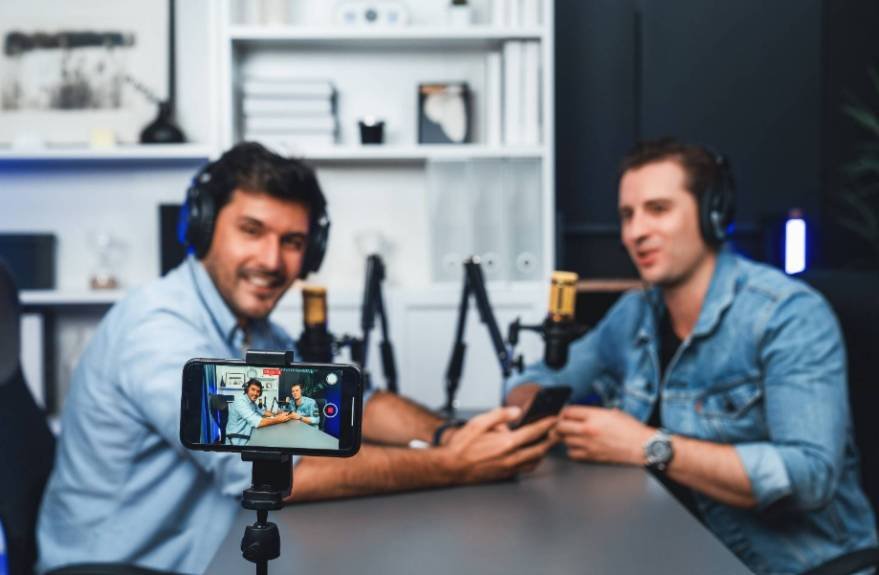
One strong idea can become several pieces of content. A long YouTube video can become Shorts, Reels, TikToks, LinkedIn clips, quote posts, and email content. This makes social media content production more efficient.
However, repurposing does not mean posting the exact same file everywhere. A TikTok edit may need faster pacing. A LinkedIn version may need cleaner text overlays. An Instagram Reel may need better visual polish. A YouTube Short may need a stronger searchable title.
How Do You Measure Video Success?
Views matter, but they are not the only metric. I would also track watch time, retention, saves, shares, comments, click-through rate, leads, and sales. I would also review editing quality, including pacing, captions, sound, and how to color grade videos so the final content looks consistent and professional.
If viewers leave in the first few seconds, the hook needs work. If they watch but do not click, the call to action may be unclear. If they save or share the video, the content is probably useful enough to repeat in a new format.
Frequently Asked Questions (FAQs)
1. What is the best length for social media videos?
The best length depends on the platform. TikTok often works well around 15 to 34 seconds, Instagram Reels can perform well between 15 and 60 seconds, YouTube Shorts should stay under 60 seconds, and LinkedIn videos often work well between one and three minutes.
2. Do I need a professional camera for social videos?
No, you can create strong social videos with a smartphone, tripod, microphone, and good lighting. A professional camera can improve quality, but clear audio, strong hooks, useful content, and tight editing matter more.
3. Should social videos always be vertical?
Most short-form videos should be vertical because TikTok, Instagram Reels, Facebook Reels, and YouTube Shorts are built for mobile viewing. YouTube long-form still usually works best in widescreen format.
4. Why do social videos need captions?
Captions help people watch without sound, improve accessibility, and make the message easier to follow. They also help keep viewers engaged when they are scrolling in public, at work, or in noisy places.
5. What is the biggest mistake brands make with video?
The biggest mistake is creating videos without a clear goal or hook. If the viewer does not understand the value quickly, they will scroll away before the message has a chance to work.
Final Thoughts
Social media video production works best when strategy and creativity come together. You need a strong hook, clear message, vertical-friendly framing, clean audio, readable captions, tight editing, and platform-specific formatting.
You do not need a massive budget to create videos that perform. Start with a clear goal, film with your audience in mind, edit out anything that slows the message, and review the results after posting. When you improve one video at a time, your content becomes sharper, more useful, and more likely to turn attention into real business growth.