Auto mode can save a quick moment, but it often misses the photo I actually want. When I learned how to use manual mode for better photos, my images started looking more deliberate, especially in harsh sun, low light, and portrait situations.
Manual mode lets you control three things that shape every photo: aperture, shutter speed, and ISO. Once those settings make sense, you stop guessing and start making creative choices.
Why Manual Mode Makes Your Photos Look More Intentional
Manual mode gives you full control over exposure, motion, sharpness, and background blur. Instead of letting the camera decide the final look, I choose the setting that matters most for the scene.
For a portrait, I usually care about background blur first. For sports or pets, I care about freezing motion. For landscapes, I care about front-to-back sharpness. Manual mode works best when you start with the photo you want, not the numbers on the camera.
This is also where many beginners overcomplicate things. You do not need to memorize every possible setting. You need a repeatable workflow that helps you make fast decisions.
Understand the Exposure Triangle Before Touching the Dials
The exposure triangle includes aperture, shutter speed, and ISO. Each setting changes brightness, but each one also affects the style and quality of the photo.
Aperture Controls Background Blur and Depth
Aperture is shown as an f-number, such as f/1.8, f/2.8, f/8, or f/11. A lower f-number opens the lens wider and lets in more light. It also creates a blurrier background.
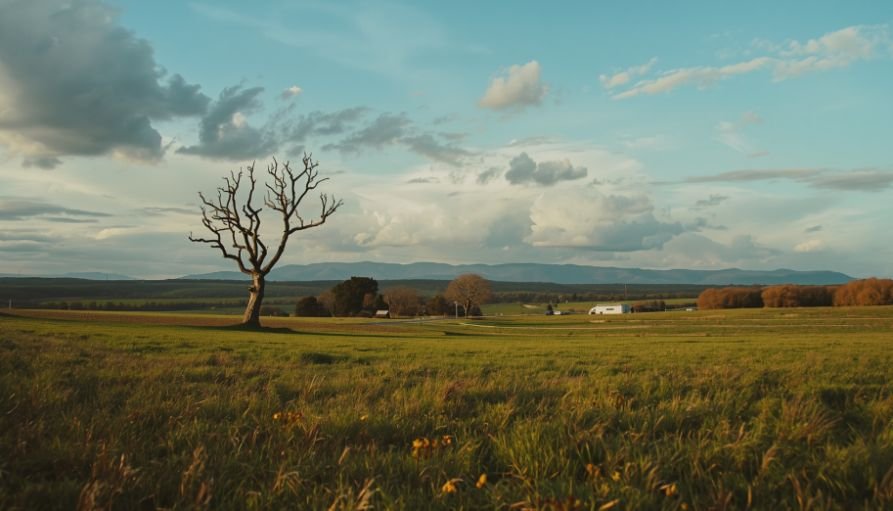
For portraits, I like using f/1.8 or f/2.8 when I want the subject to stand out. For landscapes, I use f/8 or f/11 because those settings keep more of the scene sharp.
Shutter Speed Controls Motion and Camera Shake
Shutter speed controls how long the camera sensor receives light. A fast shutter speed, such as 1/1000s, freezes motion. A slow shutter speed, such as 1/2s, creates blur from movement.
For handheld shooting, I follow a simple rule. I keep my shutter speed faster than my lens focal length. If I use a 200mm lens, I try to stay at 1/200s or faster. This helps reduce shaky photos.
ISO Controls Brightness and Image Noise
ISO controls the camera sensor’s light sensitivity. I keep ISO as low as possible because higher ISO can add noise or grain.
In bright daylight, ISO 100 is usually best. Indoors or at night, I raise ISO only when the aperture and shutter speed cannot give me enough light.
My Simple Manual Mode Workflow for Beginners
The fastest way to learn manual mode is to stop changing all three settings randomly. I use one creative decision first, then balance the rest.
Choose the Creative Setting First
Before I touch the camera dials, I ask one question: what matters most in this photo?
If I am shooting a still portrait, I set aperture first. A wide aperture like f/1.8 gives me a soft background. If I am shooting a landscape, I choose f/8 or f/11.
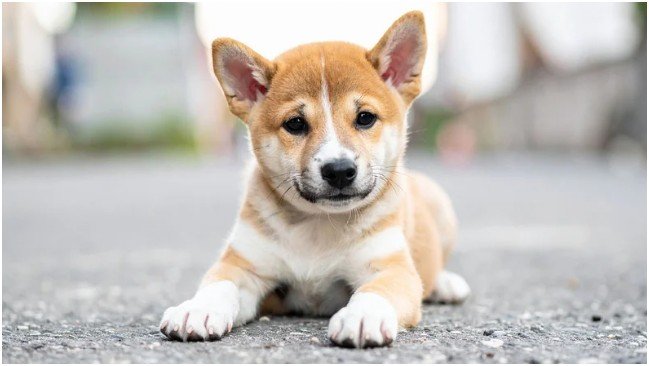
If I am shooting movement, I set shutter speed first. For a running dog, a child playing, or a sports moment, I start around 1/1000s.
Use the Light Meter Without Letting It Control You
Most cameras show a light meter scale from around -3 to +3. When the indicator sits near 0, the camera sees the exposure as balanced.
I use the meter as a starting point, not a command. Bright snow, white walls, or dark shadows can fool the meter. In harsh sunlight, I often expose slightly darker to protect bright highlights.
Adjust ISO Last
After setting aperture or shutter speed, I adjust the other main setting to get close to a balanced exposure. Then I use ISO as the final stabilizer.
This habit keeps image quality cleaner. If I raise ISO too early, I may add noise when a simple shutter speed or aperture change would have worked better.
Best Manual Settings for Common Photo Situations
These starting points are not permanent rules. They are quick baselines I adjust after checking the light meter and test shot.
Bright Outdoor Portraits
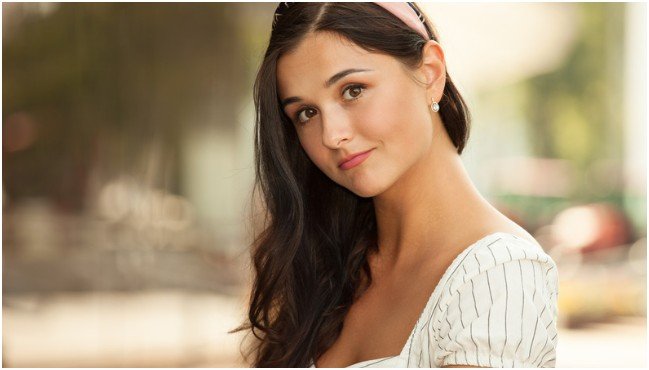
For bright outdoor portraits, I start around f/2.8, 1/1000s, and ISO 100. This gives me background blur while keeping the photo from getting too bright.
If the face looks too dark, I move the subject into open shade instead of raising ISO too quickly. Better light usually beats extreme settings.
Sharp Daytime Landscapes
For landscapes, I often start at f/11, 1/250s, and ISO 100. This keeps the scene sharp and clean.
If I am shooting handheld near sunset, I may open the aperture slightly or raise ISO to avoid camera shake.
Sports, Pets, and Fast Action
For fast movement, I start around f/4, 1/1000s, and ISO 400. If the photo is too dark, I raise ISO before lowering shutter speed too much.
Sharp action needs speed. A perfectly exposed blurry photo is still a missed shot.
Low-Light and Night Photos
For low light, I start around f/1.8, 1/60s, and ISO 1600. If I use a tripod, I can slow the shutter speed instead of pushing ISO higher.
For handheld night shots, I watch shutter speed closely. Too slow, and the whole image turns soft.
How to Use Manual Mode in Harsh Noon Sun
Harsh noon sun creates two big problems. It can overexpose the image, and it can place dark shadows under the eyes and nose.
When I shoot in this light, I start with ISO 100. There is already too much light, so I do not need extra sensor sensitivity. Then I use a very fast shutter speed, often between 1/1000s and 1/4000s.
For landscapes, I choose f/8 or f/11. For portraits, I may want f/1.8 or f/2.8, but harsh sun can make that difficult. If the image looks blown out, I narrow the aperture to f/3.5 or f/4.
I also try to fix the light before fighting the camera. Open shade under a tree, porch, or building edge can soften the face. Backlighting also helps because the subject stops squinting, and the sun creates a clean rim of light around the hair.
When highlights are close to clipping, I expose for the bright areas. Slightly dark shadows are easier to recover than a sky that turns pure white.
How to Take Blurry Background Portraits in Bright Sunlight
Blurry background portraits need a wide aperture. The problem is simple: f/1.8 creates beautiful blur, but it also lets in a lot of light.
My bright portrait formula starts with ISO 100. Then I open the aperture as wide as the lens allows, such as f/1.4, f/1.8, or f/2.8. After that, I push shutter speed very high, often 1/4000s or 1/8000s.
If the image still looks too bright, the camera has reached its limit. That is when an ND filter helps. A neutral density filter works like sunglasses for the lens, reducing light without changing the color of the photo.
If I do not have an ND filter, I compromise. I narrow the aperture to f/3.5 or f/4, move the subject farther from the background, and step closer. A longer focal length also makes the background look softer.
This is one of my favorite manual mode lessons: background blur does not come from aperture alone. Distance, framing, and lens choice matter too.
Beginner Shortcuts That Still Give You Control
Manual mode does not have to feel slow. One shortcut I like for beginners is hybrid manual mode. Set aperture and shutter speed yourself, then use Auto ISO.
This keeps creative control in your hands while the camera adjusts brightness. It works well for changing light, street photography, kids, pets, and travel shots.
Just remember that Auto ISO is still automatic. If you want full manual control, set ISO manually too. For careful portraits, landscapes, and night shots, I prefer controlling all three settings myself.
For more simple camera habits, you can also read easy photography tips for non professional photographers and build confidence before handling more advanced manual settings.
FAQs
1. What is the best setting to start with in manual mode?
Start with aperture for still subjects and shutter speed for moving subjects.
2. Is manual mode better than auto mode?
Manual mode is better when you need full control over exposure, blur, motion, and difficult lighting.
3. Why are my manual mode photos too dark?
Your shutter speed may be too fast, aperture too narrow, or ISO too low for the available light.
4. How do I get blurry backgrounds in manual mode?
Use a wide aperture, move closer to your subject, and keep the background far behind them.
Final Shot: Stop Letting Auto Mode Boss You Around
Learning how to use manual mode for better photos is not about becoming technical for no reason. It is about making the camera obey your creative choice.
Start with one situation this week. Try a portrait in shade, a landscape at f/11, or a pet photo at 1/1000s. Change one setting at a time, check the light meter, and review the result.
Once the exposure triangle clicks, manual mode stops feeling intimidating. It starts feeling like freedom.