A great workout video starts before the first rep. It starts with where you place the camera, how you frame your body, how clean your background looks, and how clearly viewers can follow each movement.
Once you understand how to film workout videos by yourself, you can turn a basic phone setup into polished fitness content for YouTube, Instagram, TikTok, online coaching, or your personal brand.
What Do You Need Before Filming Workout Videos Alone?
Before you press record, decide what kind of workout video you are creating. A full YouTube workout needs a wider frame, steady audio, and smooth transitions. A short Instagram Reel, TikTok, or YouTube Short needs fast pacing, vertical framing, captions, and a strong opening movement. A personal training demo should focus on form, angles, and clear instruction.
You do not need a professional camera to start. A modern iPhone, Samsung Galaxy, Google Pixel, or similar smartphone is enough for most workout videos. Use the rear camera whenever possible because it usually gives better quality than the front camera.
A sturdy tripod, wireless mic, clean workout space, and good lighting will improve your video more than buying expensive gear too early.
How Should You Set Your Phone Camera for Fitness Videos?
Good camera settings make your footage look sharper and easier to edit. I recommend shooting in 4K at 30fps for most workout videos. If your workout has fast movement, jumping, sprints, battle ropes, or explosive lifts, 60fps can help keep motion smoother and allow cleaner slow-motion clips.
Lock your focus and exposure before recording. Many phones let you press and hold on the subject to lock focus. If you are filming in harsh gym lighting, slightly lower the exposure so the highlights do not look blown out. This helps avoid bright overhead glare and gives the video a cleaner look.
Use the standard rear lens when you have enough room because it usually gives the best image quality. If you are filming in a small apartment, bedroom, garage gym, or cramped gym corner, you can use the 0.5x ultra-wide lens, but be careful. Ultra-wide footage can distort your body shape if the phone is too close.
How Do You Set Up Stable Shots Without a Camera Person?

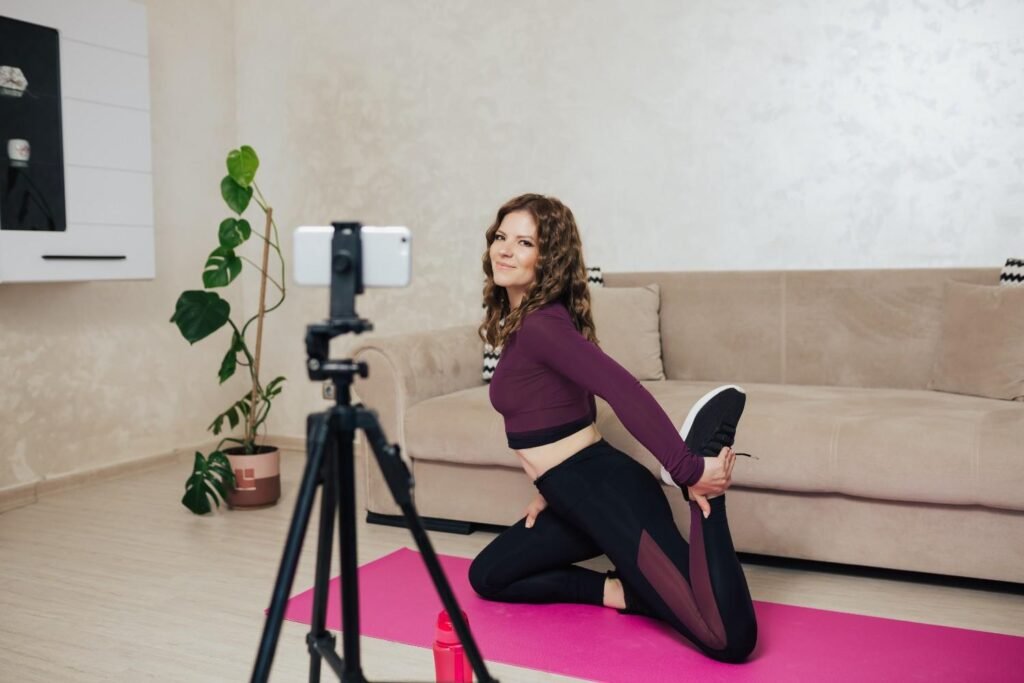
A tripod is the easiest way to record workout videos alone. Choose one that can adjust height and angle so you can film standing exercises, floor exercises, and strength training from different positions. A compact flexible tripod can also clamp to squat racks, benches, or stable surfaces when space is limited.
If you are filming in a commercial gym and do not want to draw attention, use a more discreet setup. You can lean your phone securely against a heavy dumbbell, step box, water bottle, or gym bag at a 45-degree angle. Make sure the phone will not slide, fall, or block anyone else from using equipment.
A framing marker is also useful. Place a small object, chalk mark, lifting strap, yoga mat, or towel where you plan to stand or move. Record a short test clip, step into position, complete the full range of motion, and then check whether your head, hands, feet, and weights stay inside the frame.
What Are the Best Camera Angles for Workout Videos?
The best angle depends on the exercise. A straight-on wide shot works well for full-body movements like squats, jumping jacks, shoulder presses, and bodyweight circuits. It helps viewers see your entire posture, foot placement, arm movement, and rhythm.
A 45-degree angle usually looks more dynamic. I like this angle for HIIT, kettlebell exercises, dumbbell workouts, and gym content because it shows both body movement and depth. A side angle works best when form matters, such as deadlifts, lunges, push-ups, planks, glute bridges, rows, and mobility exercises.
To make your videos less static, use the three-shot storytelling rule. Start with a wide shot that shows the full workout environment. Add a medium shot from the side or 45-degree angle to show form clearly. Then capture a close-up of details like gripping the barbell, changing weights, tying shoes, adjusting straps, or setting a timer.
These simple extra shots make solo fitness videos look more cinematic.
How Can You Frame Yourself Correctly While Filming Alone?
One of the biggest challenges with how to film workout videos by yourself is staying inside the frame. Many beginners accidentally cut off their feet, hands, head, or weights. To avoid this, stand farther from the camera than you think you need to. Fitness videos need extra space because your body moves in multiple directions.
For standing exercises, keep your full body visible from head to toe. Leave space above your head and below your feet. If the movement includes overhead presses, jumping, lateral steps, or wide arm swings, test those movements before filming the full workout.
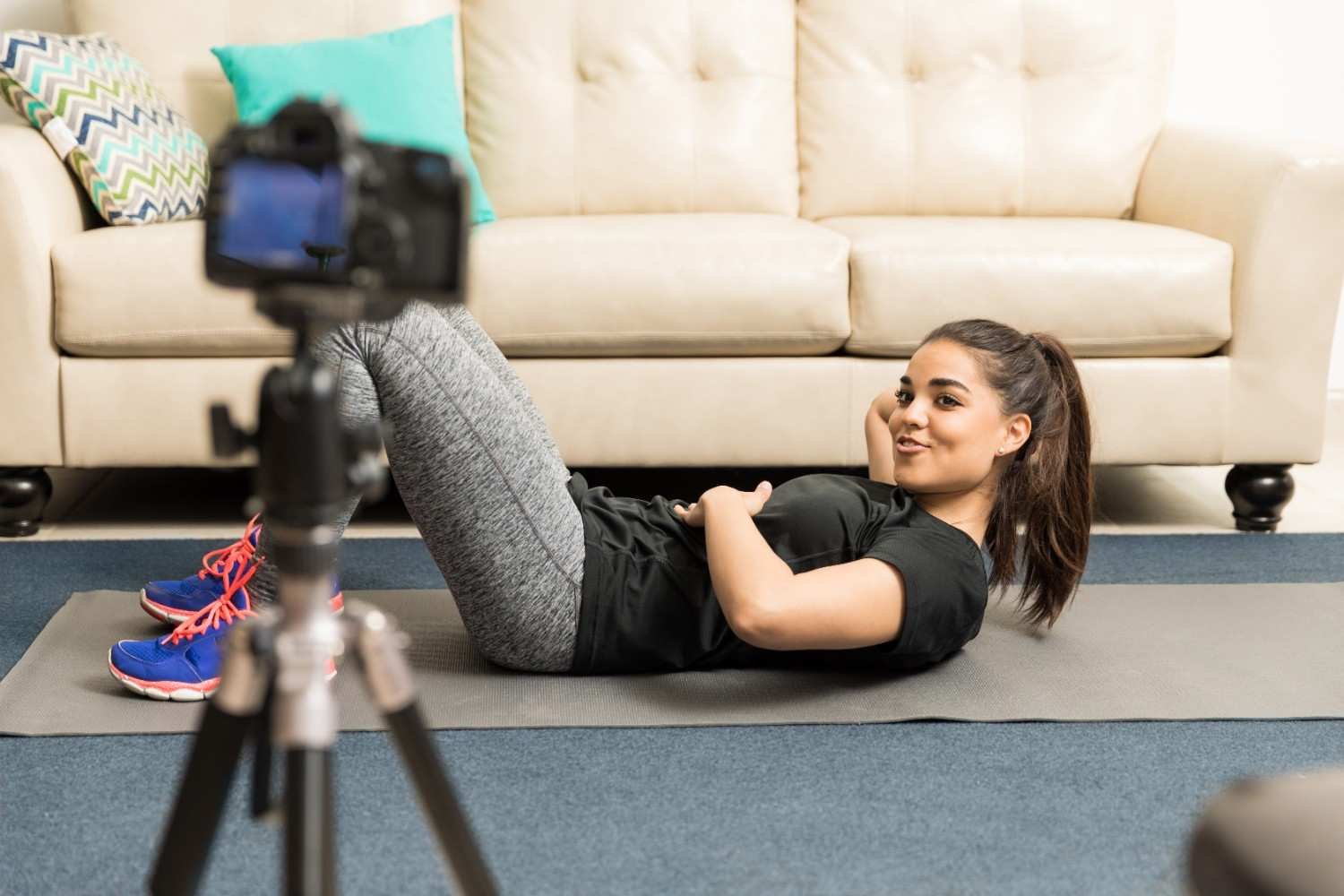
For floor exercises, lower the camera or tilt it downward. A normal standing tripod height may not capture planks, crunches, push-ups, stretching, yoga, Pilates, or core exercises properly. If you are filming on a mat, make sure the full mat and your full body stay visible.
How Do You Get Better Lighting for Workout Videos?

Good lighting makes fitness videos look clearer, sharper, and more professional. If you film at home, face a window or stand at a slight angle to natural light. Avoid placing the window behind you because it can turn you into a dark silhouette.
If you film early in the morning, at night, or inside a garage gym, use a soft LED light or ring light. Avoid harsh overhead bulbs when possible because they can create strong shadows and make skin tones look uneven. In public gyms, choose a spot with balanced light and avoid standing directly under extremely bright ceiling lights.
Keep the background simple. A clean room, blank wall, organized garage gym, or uncluttered gym corner helps viewers focus on your form instead of distractions.
How Do You Record Clear Audio While Exercising?
Bad audio can ruin even a great workout video. If you are speaking during a home workout, use a wireless clip-on mic or lavalier mic. Keep it secure so it does not rub against your shirt during jumping, running, or fast movements.
In public gyms, live audio is harder because of music, clanking weights, machines, and people talking. In that case, film your movements silently and record a clean voiceover later in a quiet room. This works especially well for exercise tutorials, gym videos, and social media clips.
If you use music, keep it lower than your voice. Also choose platform-safe music for YouTube, Instagram, TikTok, and Facebook so your video does not get muted or flagged.
Should Workout Videos Be Horizontal or Vertical?
Horizontal video works best for YouTube workouts, online courses, websites, and full follow-along fitness classes. Many viewers watch longer workouts on a TV, laptop, or tablet, so a wide frame feels more natural.
Vertical video works best for Instagram Reels, TikTok, YouTube Shorts, and quick fitness tips. It fills the phone screen and keeps attention on mobile. If you want to repurpose one workout into multiple formats, keep yourself centered and leave enough space around your body so the footage can be cropped later.
How Do You Film Workout Videos at the Gym Respectfully?
Gym filming requires confidence and respect. Try filming during off-peak hours when the gym is quieter. Early afternoons, late mornings, or slower weekend times often work better than peak evening hours.
Place your camera facing a wall, mirror, or corner to reduce the chance of other people appearing in your frame. Do not block walkways, benches, racks, or machines with your tripod. If someone needs the equipment you are using to prop your phone, move your setup immediately.
Never record strangers without permission. A good fitness video should not make other gym members uncomfortable. Respecting others also makes you feel more confident while filming.
How Do You Edit Workout Videos So They Look Professional?
Editing should make the workout easier to follow. Cut out the moments where you walk to the camera, adjust the tripod, or reset your position. Keep the best takes and remove anything that slows the video down.
Add exercise names, timers, rep counts, captions, and simple transitions when needed. Captions are especially helpful for Reels, TikTok, and Shorts because many users watch without sound. For YouTube workouts, clear timers and smooth section changes improve the viewing experience.
Do not overuse filters, fast zooms, or dramatic transitions. Clean editing, good pacing, and clear instruction usually perform better than flashy effects.
What Mistakes Should You Avoid When Recording Workout Videos Alone?
The most common mistake is skipping the test clip. Always record a short sample before filming the full workout. This helps you catch bad framing, poor lighting, low audio, or awkward camera placement early.
Avoid standing too close to the camera, using shaky handheld footage, filming in cluttered spaces, relying on loud background music, or posting videos where your form is unclear. Also avoid making every clip too long. Viewers want clear movement, useful instruction, and a reason to keep watching.
Frequently Asked Questions (FAQs)
1. Can I film workout videos by myself with a phone?
Yes. A modern smartphone, tripod, good lighting, and clear framing are enough to record high-quality workout videos by yourself.
2. What is the best angle for workout videos?
A front angle works best for full-body moves, while a side or 45-degree angle is better for showing exercise form clearly.
3. Should workout videos be vertical or horizontal?
Use vertical video for Reels, TikTok, and Shorts. Use horizontal video for YouTube workouts, online classes, and longer fitness videos.
Final Thoughts
Once you understand how to film workout videos by yourself, the process becomes much easier. You do not need a camera crew or a professional studio. You need a stable camera setup, smart phone settings, strong framing, clean lighting, clear audio, respectful filming habits, and a few beginner video editing tips to polish the final result.
Start with one simple setup, record test clips, improve one detail at a time, and your solo workout videos will quickly look more confident, polished, and ready for a US fitness audience.