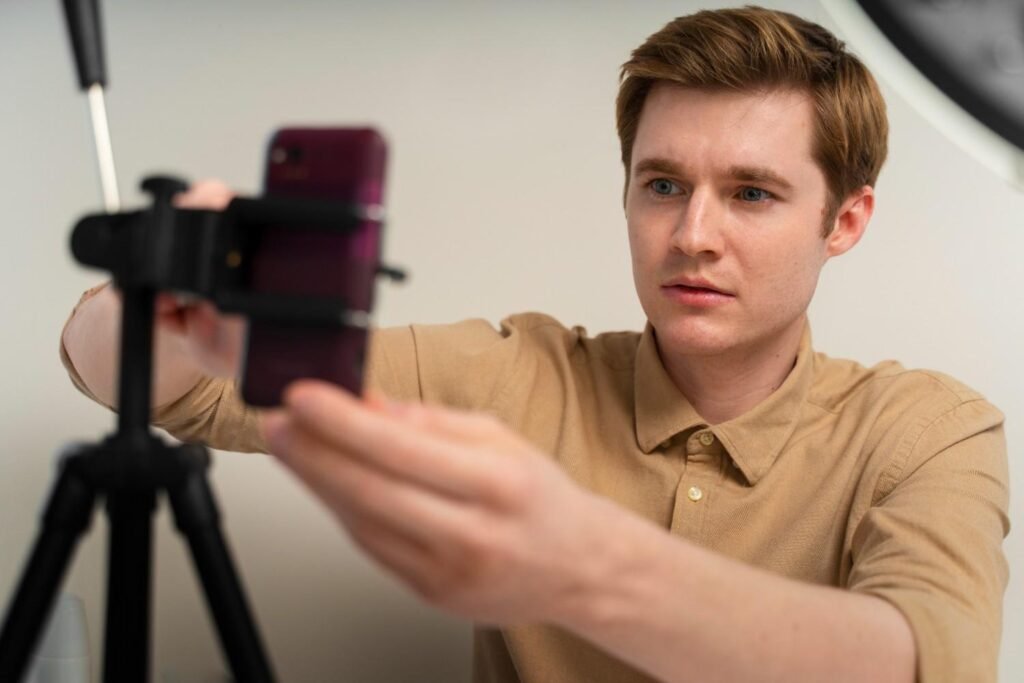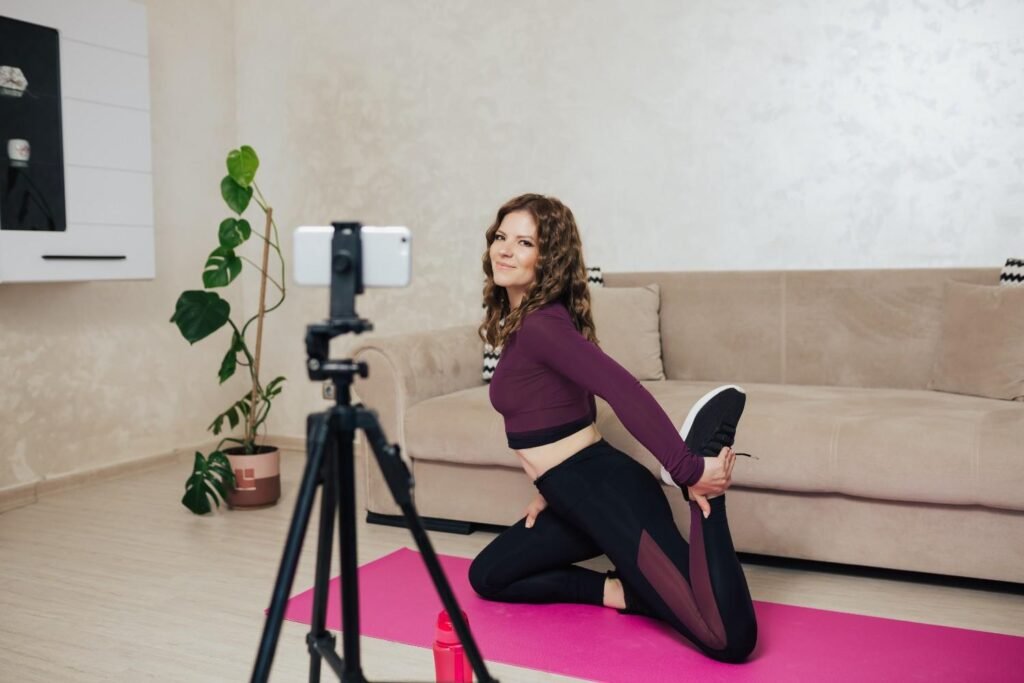
Many creators struggle to look natural on camera, but learning how to film talking head videos makes the process much easier. You only need a steady setup, clear sound, flattering light, and a simple way to speak without sounding scripted.
Once your framing, background, audio, and editing work together, your home videos can look professional and feel more engaging from the first second.
What Is a Talking Head Video?
A talking head video is a video where a person speaks directly to the camera. This format is common on YouTube, business websites, online training platforms, real estate updates, personal brand videos, webinars, and video podcasts.
It works because it feels direct and human. Viewers can see your face, hear your voice, and connect with your message. When your camera setup, audio, lighting, and delivery are clean, your video feels more trustworthy and professional.
What Is the Best Talking Head Video Setup for Beginners?
The best talking head video setup does not have to be complicated. I would start with a smartphone or camera, a tripod, an external microphone, a soft light source, and a simple background. A newer iPhone, Samsung Galaxy, Google Pixel, or entry-level mirrorless camera can all work well when the setup is controlled.
Your goal is not to create a Hollywood studio. Your goal is to remove distractions. Keep the camera steady, light your face evenly, record clear audio, and make sure the background supports your message instead of pulling attention away from it.
How Do You Frame a Talking Head Video Correctly?

Framing is one of the fastest ways to make a video look more polished. Place the camera lens exactly at eye level so you are not looking down or up at the audience. This creates a natural connection and makes the viewer feel like you are speaking directly to them.
Use the rule of thirds by positioning your eyes near the top third gridline of the frame. This keeps the composition balanced and visually pleasing. Leave a small amount of headroom above your head, and if you plan to use text overlays later, leave enough clean space so the text does not cover your face.
Distance also matters. Step about three to five feet away from your background to create natural depth. This helps avoid the flat “sitting against a wall” look and can create a more cinematic scene depth of field, especially if you are using a camera with a wider aperture.
Your clothing matters too. Wear solid colors that contrast gently with your background. Avoid tiny stripes, tight checks, and fine geometric patterns because they can create camera flickering or distracting visual distortion.
How Do You Get Better Lighting for Talking Head Videos?
Good lighting can make an average camera look expensive. Bad lighting can make even a high-end camera look cheap. For a simple talking head video lighting setup, face a large window directly so the sunlight falls evenly across your face. This gives you soft, flattering light without needing extra gear.
If you film at night or want more consistency, use a softbox, LED panel, or ring light. Place your key light at a 45-degree angle to your side and slightly above your head. This creates shape on your face while still keeping the image clean and natural.
Avoid harsh light when possible. You can diffuse the light with a softbox, curtain, or diffusion sheet. You can also bounce the light off a white wall to soften shadows. Try not to rely on ceiling lights because they usually create shadows under your eyes and make the footage look less flattering.
How Do You Record Clear Audio for Talking Head Videos?
Audio is more important than many beginners think. Viewers may tolerate slightly imperfect visuals, but they will leave quickly if your voice sounds distant, echoey, or difficult to understand.
Use an external microphone whenever possible. A wireless lavalier mic works well for standing or seated videos. A desktop USB condenser mic works well for desk setups, podcasts, webinars, and online lessons. A shotgun mic can also work if it is placed close enough and aimed correctly.
If you use a lavalier microphone, clip it at chest level instead of directly on your collar. This placement usually captures a fuller and more balanced voice while reducing clothing noise. Before recording the full video, record a short audio test and listen with headphones. Also choose a room with rugs, curtains, furniture, or bookshelves because soft surfaces reduce echo.
How Do You Script a Talking Head Video Without Sounding Robotic?
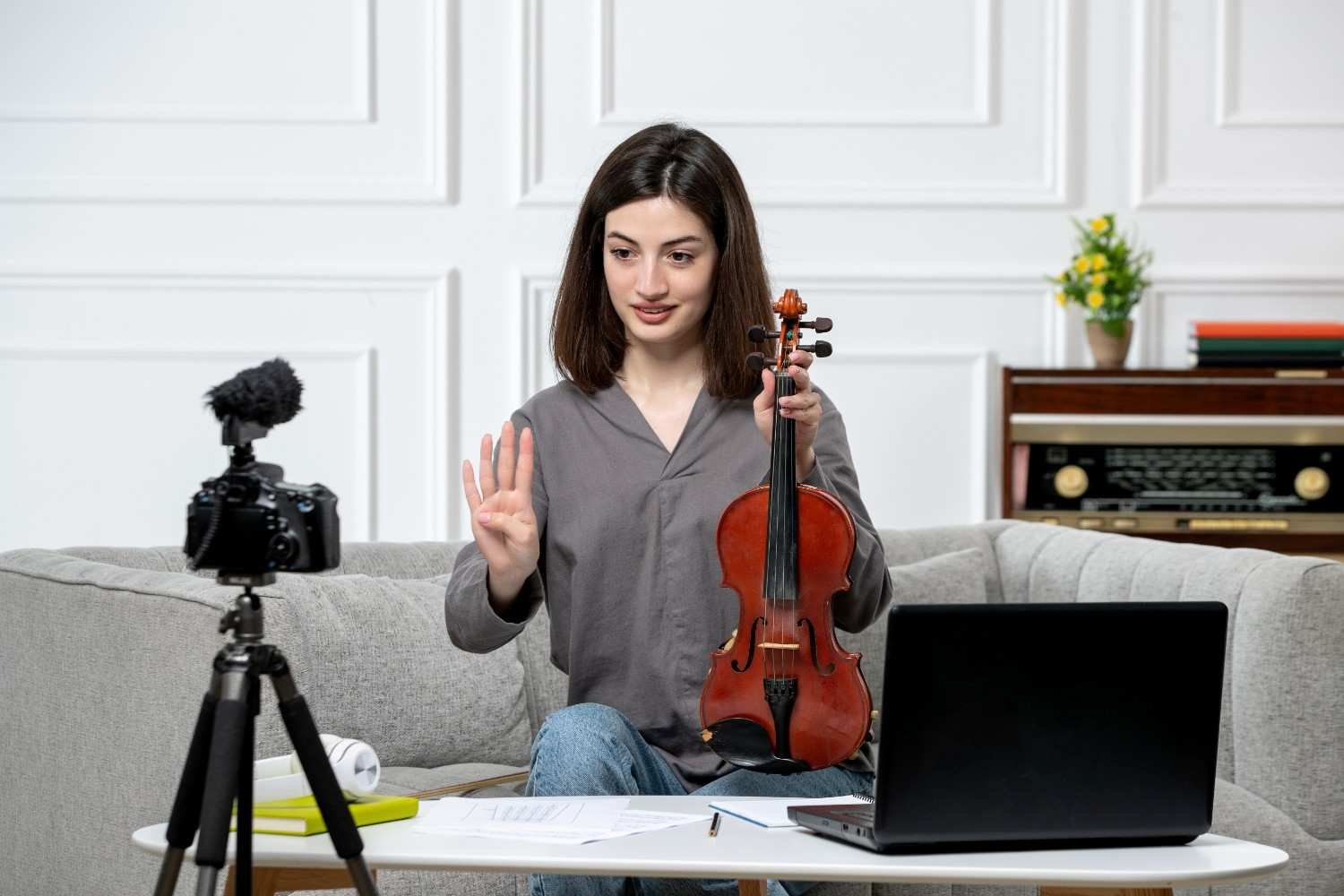
A strong script makes the video easier to record, but reading every word can make you sound stiff. I recommend scripting your introduction word-for-word, especially the first three seconds. That opening line should tell viewers exactly why they should keep watching.
After the hook, use short bullet-style notes for the main body. This keeps your delivery conversational while still giving you structure. You can record one sentence or one thought at a time, pause, glance at your notes, and then continue. This method makes filming easier and gives you cleaner edits later.
When you speak, keep your eyes locked on the physical camera lens, not your screen preview. Looking at your own face on the screen can make your eye contact feel slightly off. A simple warm-up trick also helps: smile intentionally right before you speak. It instantly lifts your energy and makes your voice sound more natural.
How to Film Talking Head Videos Without Looking Awkward
Many people feel awkward on camera at first. The fix is not to act more dramatic. The fix is to speak as if you are helping one real person sitting across from you.
Keep your shoulders relaxed, sit or stand with good posture, and let your hands move naturally. Do not force gestures, but do not stay frozen either. If your energy feels too low, try standing while recording. Many creators sound more confident and natural when they are on their feet.
The camera reduces natural energy, so you may need to speak with slightly more expression than usual. You do not have to be loud. You just need to sound interested in what you are saying.
How Do You Make Talking Head Videos More Engaging?
A talking head video can become boring if the frame never changes. The best way to improve retention is to add movement and visual support during editing.
Cut out long pauses, repeated lines, filler words, awkward breaths, and slow sections. Use jump cuts to keep the pace tight. Add a slight zoom-in or crop change every 10 to 15 seconds when you make an important point. This pattern interrupt resets the viewer’s attention without feeling too flashy.
Add B-roll, charts, screenshots, product clips, images, or text overlays when they help explain your point. If you are teaching something technical, visual examples can make the content easier to understand. Always add captions or burn text captions onto the video when posting on mobile-first platforms because many people scroll with the sound muted.
What Are the Biggest Talking Head Video Mistakes to Avoid?

The biggest mistake is filming without checking the frame, light, and sound first. Always record a quick test before filming the full video. Check whether your face is bright enough, your eyes are sharp, your background is clean, and your microphone sounds clear.
Another common mistake is sitting too close to a wall. This makes the image look flat and less professional. Poor clothing choices can also hurt the final video, especially if your shirt creates flickering patterns on camera.
Do not spend too long on the introduction. US viewers on YouTube, Instagram, TikTok, and LinkedIn expect you to get to the point quickly. Start with the value, then explain the details.
How to Film Talking Head Videos for YouTube and Social Media
If you want to know how to film talking head videos for different platforms, think about viewer behavior first. YouTube viewers may watch a longer tutorial if the topic is useful, but Shorts, Reels, and TikTok videos need a faster hook.
For YouTube, use a clear title, strong opening line, clean framing, and helpful B-roll. For Instagram and TikTok, start with the most interesting sentence and keep the edit fast. For LinkedIn, keep the setup professional and focus on clarity, credibility, and practical advice.
No matter where you publish, the same basics apply. Use eye-level framing, clean lighting, clear audio, confident delivery, and tight editing.
Conclusion
Once you understand how to film talking head videos, the process becomes much easier. You do not need a full production crew or an expensive studio. You need a clean setup, a steady camera, soft lighting, strong audio, natural delivery, and editing that keeps viewers watching.
Start simple. Use your phone, face a window, clip on a mic, frame your eyes near the top third of the shot, and record in short chunks.
This also works well for shooting you tube videos in a small room, especially when you keep the background clean and control the light. When you improve one detail at a time, your talking head videos will start to look sharper, sound better, and feel more professional.