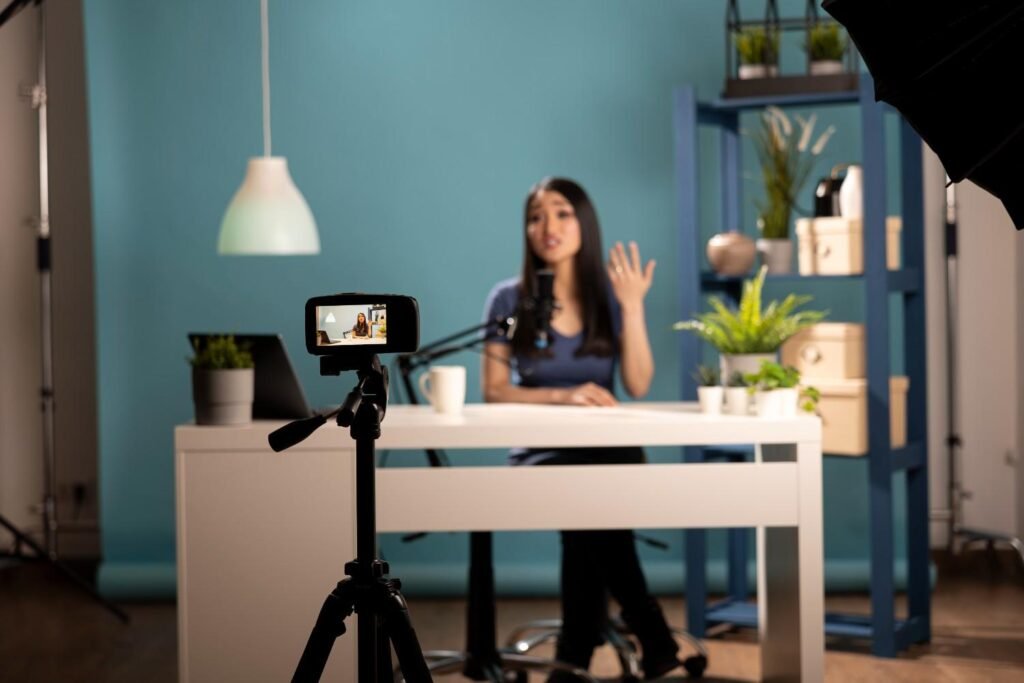
You do not need a big studio to create videos that look sharp, clean, and professional. If you know how to shoot YouTube videos in a small room, even a bedroom corner, apartment office, dorm room, or compact home setup can look polished on camera.
The secret is not expensive gear. It is smart camera placement, soft lighting, clean audio, space-saving mounts, and a background that creates depth instead of clutter. With the right setup, your small room can feel like a focused creator studio that is easy to use every time you record.
Why Small Rooms Can Still Look Professional on YouTube
A small room gives you more control than a large open space. You can manage light more easily, reduce noise faster, and create a consistent background without decorating an entire studio. This is why many creators start with a simple bedroom YouTube setup or home office video setup before upgrading to a larger production space.
The trick is to stop filming against a flat wall with harsh ceiling lights and bad audio. That setup makes videos look cramped and amateur. Instead, create depth, soften the light, keep the microphone close, and remove anything that distracts from your message.
Choose the Best Camera Position Before Buying Gear
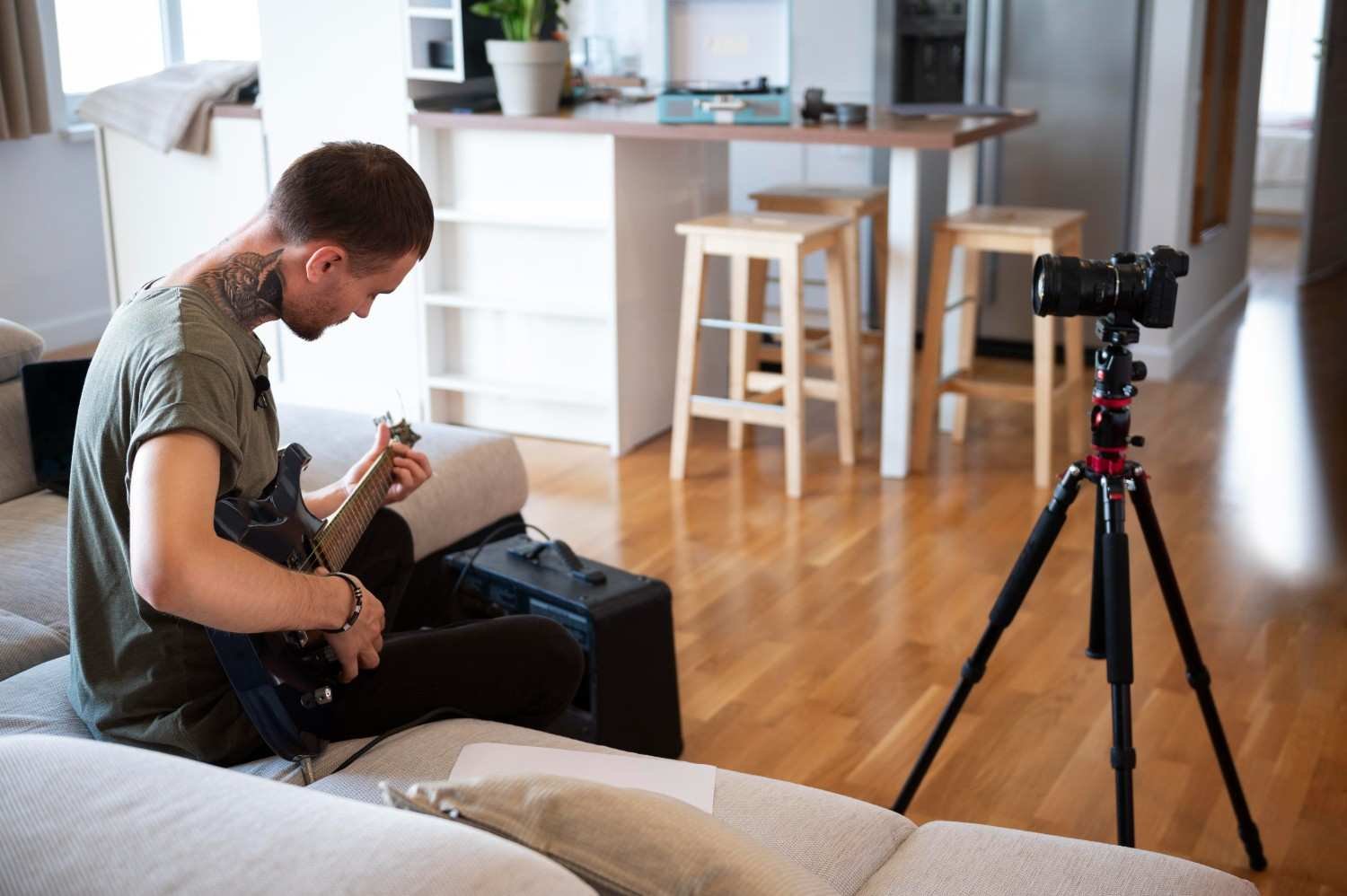
Camera placement can make a small room look bigger instantly. Instead of pointing the camera straight at a flat wall, shoot diagonally into a corner. This gives the frame more depth because the viewer sees the room’s “L-line” instead of one flat surface. It also creates more distance between you and the background, which helps the shot feel less tight.
I also recommend pulling your chair away from the wall as much as possible. Even a few feet of separation can create visual layers: foreground, subject, and background. This prevents your YouTube video from looking flat.
If you use a mirrorless camera or DSLR, a wide-angle lens can help. A 16mm or 24mm lens on an APS-C camera, or a 24mm to 35mm lens on a full-frame camera, usually works well in tight rooms. Avoid going too wide, especially under 16mm, because it can distort your face and make the shot look unnatural.
If your camera supports 4K, record in 4K even if you export in 1080p. This lets you crop, punch in, or create a fake second camera angle during editing without moving your camera in a tight space.
How to Shoot YouTube Videos in a Small Room Without Clutter
The biggest space-saving move is to get gear off the floor. Traditional tripods, softbox stands, and mic stands take up more space than most beginners expect. In a small room, those wide tripod legs can block your chair, desk, door, or walking space.
Use desk mounts, C-clamps, articulating arms, and compact stands wherever possible. A camera arm can attach to your desk. A microphone boom arm can stay above your workspace. A slim LED panel can sit on a clamp instead of a floor stand. If you want a more permanent home studio setup, wall plates, baby pins, or ceiling mounts can hold lights and microphones while keeping the floor open.
This type of compact rigging is especially helpful for creators who film regularly in the same room. Once your gear stays mounted, you can start recording faster and avoid rebuilding your setup every time.
Use Lighting That Makes the Room Look Bigger
Good lighting can make a tiny room look deliberate and high-end. Bad lighting can make even an expensive camera look cheap. Start by turning off harsh overhead lights because they usually create dark eye shadows and flat skin tones.
If you film during the day, window light is your easiest option. Sit facing the window or place it slightly to one side at a 45-degree angle. If the sunlight is too strong, soften it with sheer curtains or blinds. This gives your face a clean, natural look without expensive equipment.
If you film at night or need consistent results, use a slim LED panel, small softbox, or space-saving key light. Position your main light slightly above eye level and off to one side at about 45 degrees. This creates soft shadows and adds shape to your face. Avoid blasting light directly at the wall behind you because it can flatten the frame.
To create more depth, place a small accent light, desk lamp, or RGB LED strip behind you. A warm glow or subtle background color separates you from the wall and makes the room feel more polished. Keep it controlled so the background light supports the video instead of stealing attention.
Fix Echo and Get Cleaner Audio at Home
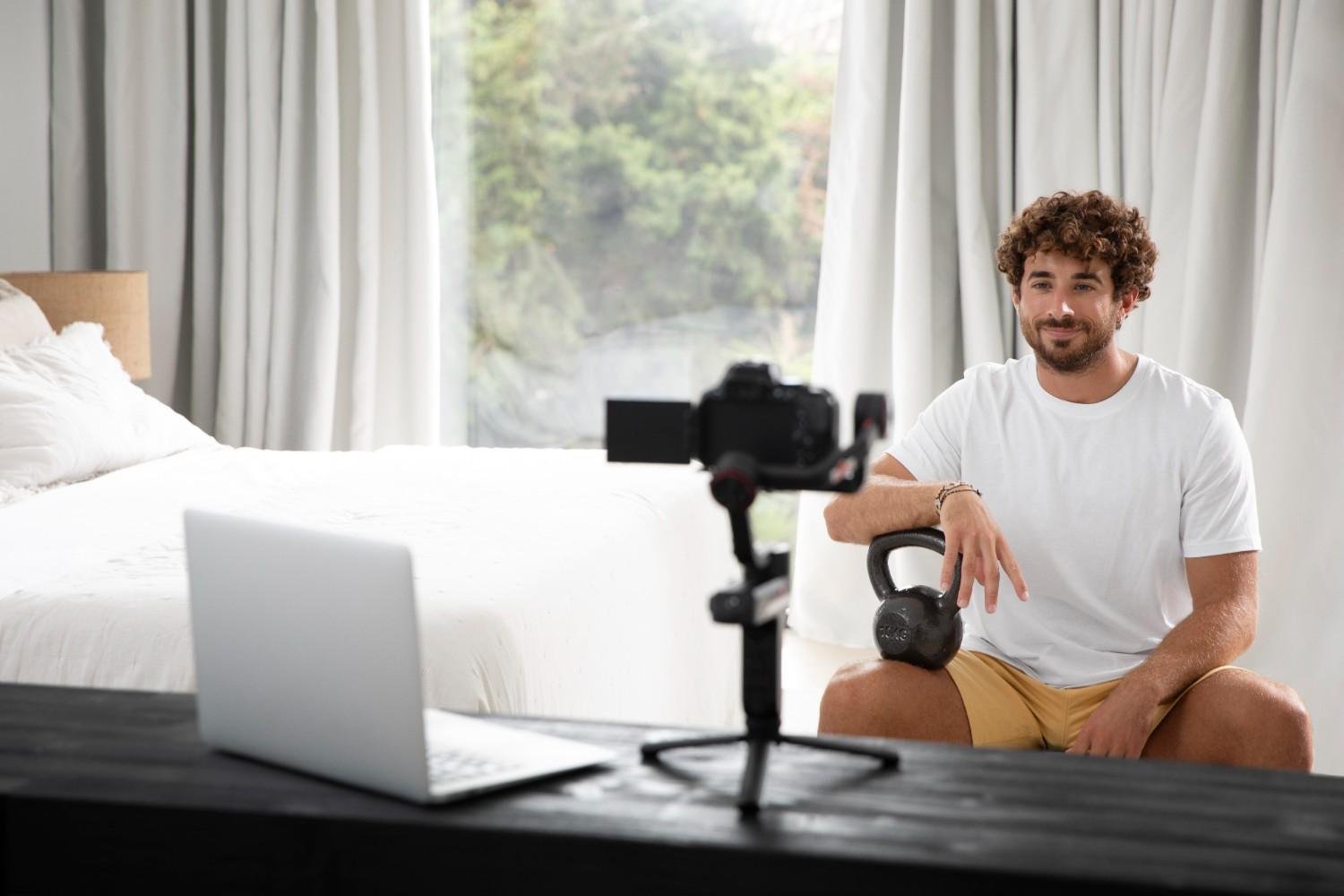
Audio quality matters more than many creators think. Viewers may tolerate average visuals, but they usually leave when the sound is hollow, noisy, or difficult to understand. Small rooms often create echo because sound bounces off bare walls, windows, wood floors, desks, and empty corners.
Add soft materials wherever you can. Rugs, curtains, pillows, blankets, fabric chairs, and full bookshelves naturally absorb sound. You can also hang moving blankets or thick curtains just outside the camera frame to reduce reverb without making the setup visible.
The microphone should stay close to your mouth. A lavalier mic, USB mic, or directional shotgun mic will sound much better than a camera or phone mic across the room. Ideally, keep the mic within 6 to 12 inches of your mouth. This helps capture your voice clearly before it bounces around the room.
Before recording the full video, always film a short test and listen with headphones. Check for echo, buzzing, fan noise, traffic, air conditioning, and low volume. A one-minute test can save you from reshooting an entire video.
Create a Clean YouTube Background in a Small Space
Your background should look intentional, not crowded. You do not need a full studio wall. A simple shelf, lamp, plant, framed print, curtain, desk setup, or neutral backdrop can work well. The best small-room YouTube backgrounds look clean and support the channel’s topic.
For business, education, finance, or tutorial videos, a simple desk or neutral wall often works best. For product reviews, keep a clean table area for close-up shots. For gaming, tech, or creator content, a small accent light can add style without overwhelming the frame.
Avoid messy beds, laundry, visible trash, tangled cables, open closet doors, and random household items. Viewers notice distractions quickly. I always suggest checking the frame before recording and removing anything that does not help the video.
Best Budget Gear for a Small-Room YouTube Setup
You do not need to buy everything at once. Start with the basics: a smartphone or camera, a stable tripod or desk mount, a microphone, and one soft light. If your budget is limited, upgrade audio and lighting before buying a new camera.
A simple beginner setup can include a phone, rear camera recording, compact tripod, lavalier microphone, window light, and a clean background. A better setup can include a mirrorless camera, wide-angle lens, slim LED key light, boom-mounted microphone, background lamp, and desk-mounted gear.
For YouTube Shorts, vertical filming works well. For regular YouTube videos, film horizontally. If you create tutorials, reviews, or educational videos, capture extra B-roll, close-ups, screen recordings, and punch-in edits to make the final video more engaging.
Common Small-Room Filming Mistakes to Avoid
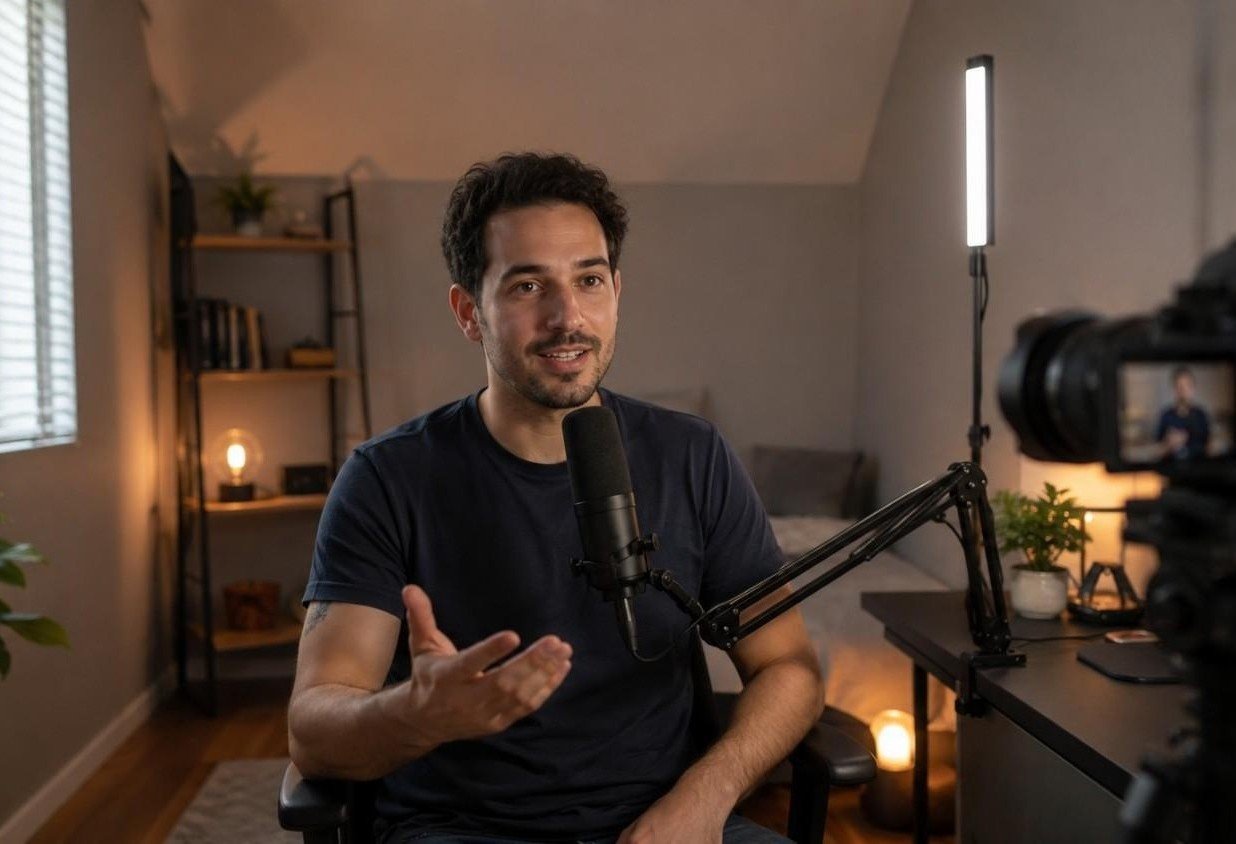
The most common mistake is sitting too close to the wall. This makes your video look flat and can create harsh shadows behind you. Another mistake is using only ceiling lights, which often makes your face look tired and uneven.
Do not ignore sound treatment. A clean background will not save your video if the audio has echo or noise. Also avoid buying bulky gear too early. Large softboxes, tall tripods, and heavy stands can make a small room harder to use.
I would also avoid shaky handheld footage, cluttered backgrounds, ultra-wide lens distortion, strong backlighting, and recording without checking focus, exposure, and audio first. A professional video usually comes from preparation, not just expensive equipment.
Frequently Asked Questions (FAQs)
1. Can I film YouTube videos in a small bedroom?
Yes, a small bedroom can work well for YouTube videos if you control the visible frame, improve the lighting, reduce echo, and keep the background clean.
2. What lens is best for filming YouTube videos in a small room?
A wide-angle lens works best in most small rooms. Try 16mm or 24mm on APS-C cameras, or 24mm to 35mm on full-frame cameras. Avoid extreme wide angles that distort your face.
3. How do I make my small room look bigger on camera?
Shoot diagonally into a corner, sit away from the wall, add background lighting, and use a clean setup with fewer distractions. These steps create depth and make the space feel larger.
4. What is the cheapest YouTube setup for a small room?
The cheapest setup is a smartphone, tripod or desk mount, natural window light, basic lavalier microphone, and a clean background. This is enough to start filming good-quality videos at home.
5. How do I reduce echo when recording YouTube videos at home?
Use rugs, curtains, blankets, pillows, fabric furniture, bookshelves, and a microphone close to your mouth. Soft materials reduce sound reflections and make your voice cleaner.
Final Thoughts on Small-Room YouTube Filming
Once you understand how to shoot YouTube videos in a small room, your setup becomes much easier to manage. Pick one strong filming corner, move away from the wall, use soft lighting, mount gear when possible, keep your mic close, and create a clean background with depth.
You do not need a large studio to grow a YouTube channel, even if you are filming workout videos, tutorials, reviews, or talking-head content. Many creators start in bedrooms, apartments, dorms, and home offices. With the right setup, your small room can look professional, sound clean, and help you create videos your audience wants to keep watching.