I can forgive a slightly imperfect outdoor shot, but struggling to understand someone speaking quickly makes a video frustrating. A beautiful setting loses its appeal when wind, traffic, or clothing noise overwhelms the conversation.
When I think about how to record clear audio for videos outdoors, I start with the recording environment and microphone placement. Expensive equipment helps only when the fundamentals work.
The most reliable approach combines a sheltered location, a microphone close to the speaker, suitable wind protection, sensible recording levels, and headphone checks. These ten fixes make that process easier.
1. Listen Before Choosing Your Filming Spot
Before setting up your camera, stop talking and listen. Nearby roads, fountains, construction equipment, and ventilation systems may sound unobtrusive in person but compete with speech in recordings.
Move away from persistent noise whenever possible. A quieter corner of a park may produce better dialogue than an attractive position beside rushing water.
Check conditions at the actual filming time. A peaceful location during an initial visit might become busy when deliveries arrive or nearby activities begin.
2. Choose a Microphone That Suits the Shot
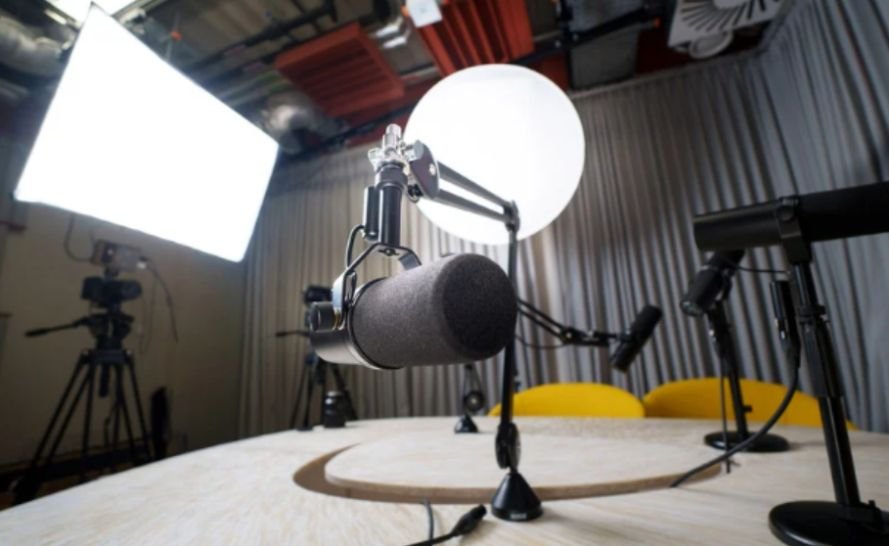
For Stationary Presenters
A wired lavalier microphone offers a straightforward setup when the speaker stays in one place. Check cable length and connector compatibility before filming.
For Walking Videos
A wireless microphone keeps the capsule near the speaker as they move. Test the intended route for dropouts and confirm battery levels beforehand.
For Interviews
A handheld microphone works well when someone can maintain its position. A boom-mounted shotgun microphone can stay outside the frame while remaining close to the speaker.
Avoid expecting a distant camera-mounted microphone to capture intimate dialogue.
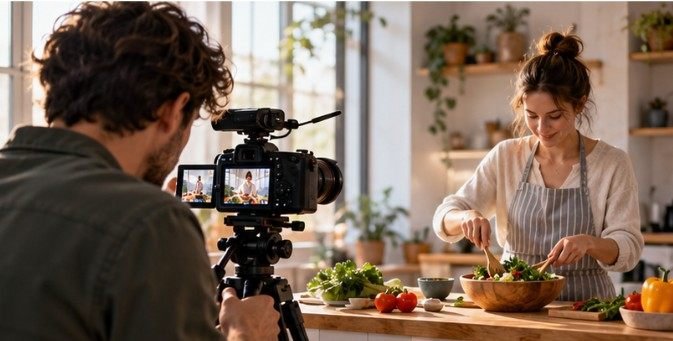
For videos centered on a person speaking directly to the camera, microphone placement and recording setup are especially important for keeping dialogue clear. You can also learn how to film talking-head videos for practical advice on capturing clear speech and creating more professional-looking footage.
3. Keep the Microphone Close to the Voice
Microphone distance strongly affects how clearly speech stands out against surrounding sound. Moving closer usually helps more than increasing recording volume.
For a lavalier, start around the upper chest, roughly six to eight inches below the mouth, then adjust by listening. Keep jewelry, hair, and fabric away from the capsule.
Position a boom microphone just outside the frame and aim it toward the speaker’s mouth. Check the microphone’s instructions because pickup patterns vary.
Maintain consistent distance throughout each take to prevent noticeable volume changes.
4. Match Wind Protection to the Conditions
Foam windscreens can help with light airflow, but exposed outdoor locations often require a properly fitted furry windshield.
For more demanding conditions, a shotgun microphone may need a blimp system with suitable outer protection. Follow the accessory instructions; some designs fit over foam, while others replace it.
Cover the intended microphone openings without obstructing controls or connections.
Wind protection reduces turbulence reaching the capsule. It does not eliminate passing vehicles, crowds, or every possible gust. Record a test before trusting the setup.
5. Use Shelter and Check Clothing Noise
A building, solid fence, or other substantial barrier can reduce direct wind exposure. Listen carefully because some corners create turbulent airflow.
Turning the speaker so their body shields the microphone may also help.
Keep an exposed lavalier clear of loose collars and scarves. Concealing one requires careful mounting so fabric cannot scrape across it.
Ask the speaker to turn, gesture, and walk during testing.
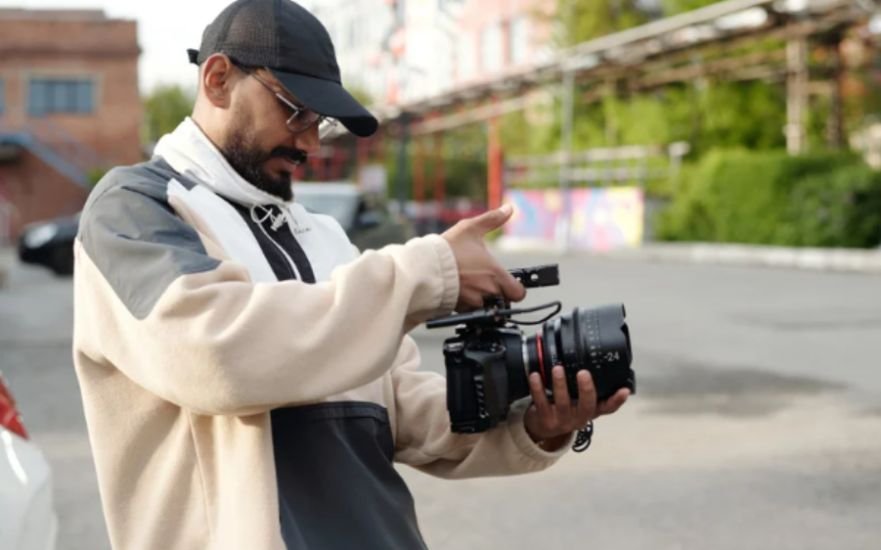
When filming speakers as they move, keeping the audio clean is only one part of capturing usable footage. Maintaining steady framing also matters, so these tips on how to avoid shaky video when filming handheld can help improve the visual quality of moving shots.
A microphone that sounds clean while someone stands still may become noisy during normal movement.
6. Set Recording Levels With Headroom
Ask the speaker to deliver their loudest expected line while watching the recording meter.
For conventional digital recording, speech peaks around −12 to −6 dBFS provide a useful starting range. Adjust for the equipment and leave room for unexpected increases.
Manual gain can prevent distracting background pumping from automatic adjustments, although available controls differ between devices.
Understanding how to record clear audio for videos outdoors also means recognizing that turning down distorted audio afterward cannot restore lost detail. Suitable levels matter throughout the recording chain.
7. Monitor and Replay a Test Recording
Headphones reveal problems that meters cannot explain, including muffled speech, cable crackles, clothing friction, and intermittent wireless dropouts.
Record a short test with the actual equipment, clothing, and movements planned for the scene. Play it back before beginning the full take.
Check that the camera or recording app is receiving the external microphone rather than its built-in microphone.
Repeat this check after reconnecting equipment or changing locations. A visible connection alone does not confirm that the correct audio input is active.
8. Prepare Backup Audio and Synchronization
When supported, enable internal recording on a wireless transmitter or use a separate recorder as a backup. Check storage space, batteries, and recording status. A backup helps only when it actually captures the take.
For separate audio, record reference sound on the camera and make a visible clap at the beginning. The sharp sound provides a synchronization point during editing.
For longer recordings, check synchronization again near the end because independent devices can drift. Clearly label files to simplify matching takes.
9. Record Ambience and Repeat Interrupted Lines
Capture approximately 30 seconds of the location’s background sound without anyone speaking. Keep the microphone position and recording settings consistent with the dialogue. This ambience helps smooth transitions between edited sentences.
If a vehicle, aircraft, or sudden gust interrupts speech, pause and repeat the complete sentence after it passes. At a busy outdoor event, move the conversation away from loudspeakers whenever possible. A brief interruption during filming is easier to manage than an important answer masked by noise.
10. Apply Gentle Cleanup During Editing
Use a high-pass filter cautiously to reduce low-frequency rumble without thinning the voice. Apply noise reduction gradually and compare the processed result with the original. Excessive processing can create metallic or watery speech. Balance dialogue levels, keep music underneath the voice, and listen through both headphones and ordinary speakers.
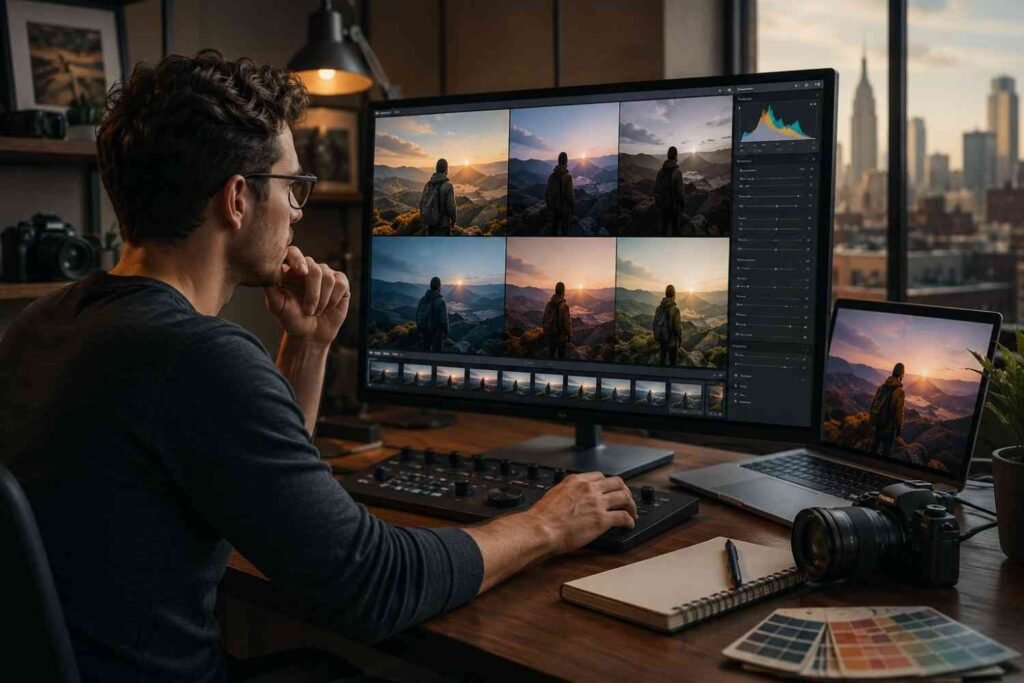
Audio cleanup is only one part of post-production; refining the footage’s colors can also help create a consistent, polished result. For the visual side of editing, learn how to color grade videos to improve the overall look of your finished project.
If words remain unintelligible, choose another take or record replacement narration. Editing tools can improve usable audio, but they cannot reliably reconstruct every damaged recording.
Frequently Asked Questions
1. How can beginners learn how to record clear audio for videos outdoors?
Start with a close microphone, suitable wind protection, a sheltered position, and headphone playback. Practice with short clips before recording anything important.
2. Can I use my phone?
Yes. A compatible external microphone can improve speech capture. Confirm that your recording app recognizes it and test the complete setup.
3. Will a furry windshield remove traffic noise?
No. It primarily reduces wind turbulence. Improve traffic noise by moving farther away, bringing the microphone closer, or waiting between vehicles.
Final Thoughts
I treat clear outdoor sound as something to build before filming. Choosing the location carefully, placing the microphone well, and checking a test recording prevent many avoidable problems.
My priority is understandable, natural speech. When the voice stays clear and consistent, the outdoor setting can add atmosphere without distracting from the story.