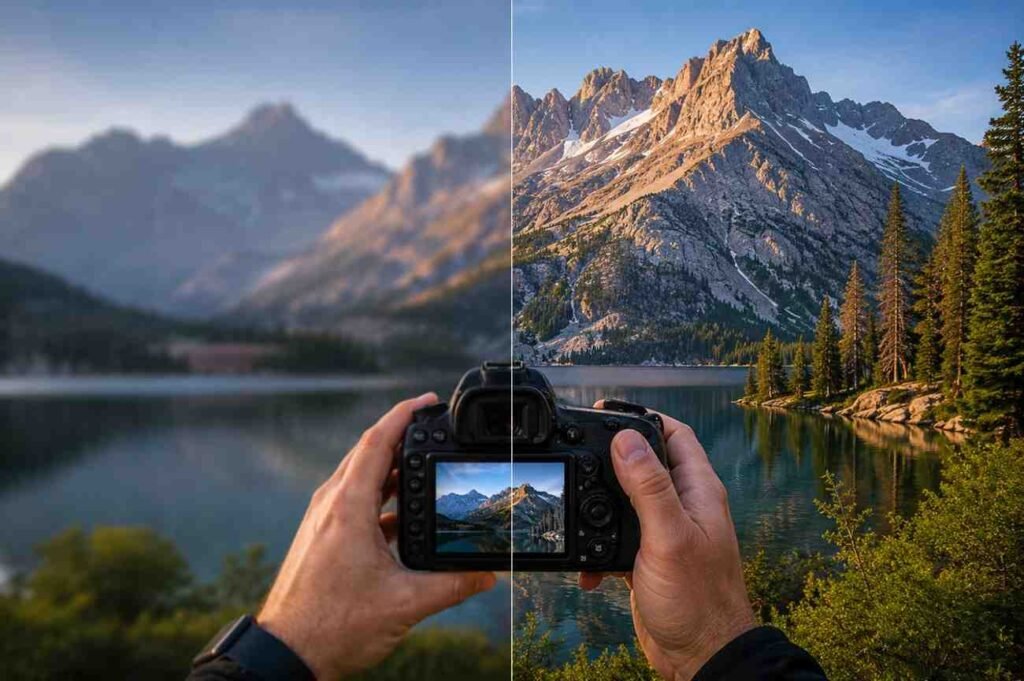
There is a common assumption that great photos come from expensive cameras. After spending time around photographers, content creators, and everyday hobbyists, one thing becomes clear: image quality often depends more on technique than equipment. A well-captured image from a smartphone can look far better than a poorly executed shot from a high-end camera.
The challenge is that many people focus on fixing problems after the photo is taken. They rely on filters, sharpening tools, and artificial enhancements to rescue images that were blurry, noisy, or poorly exposed from the start. The reality is that sharper, cleaner, and more natural photos begin with the decisions made before pressing the shutter button.
Start With Strong Camera Technique
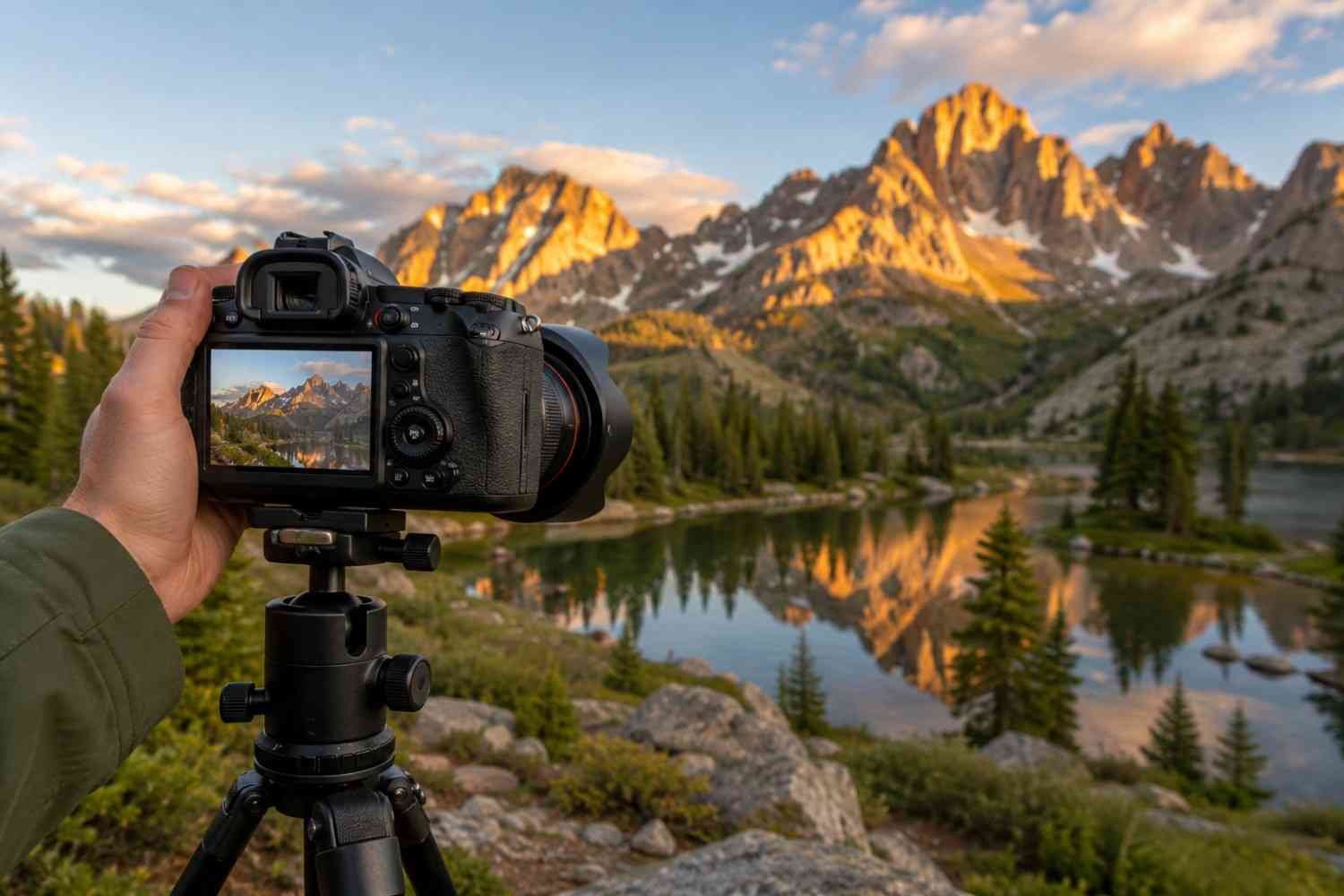
One of the most effective techniques that improves image quality is reducing camera movement during capture. Even slight motion can soften details and make a photo appear less professional.
A simple rule many photographers follow is the reciprocal rule. When shooting handheld, your shutter speed should be at least equal to the inverse of your focal length. For example, a 50mm lens generally requires a shutter speed of at least 1/50 second, while many photographers prefer 1/100 second or faster for extra sharpness.
Camera stability also plays a major role in image clarity. When photographing landscapes, architecture, or products, a sturdy tripod can dramatically improve sharpness. Pairing it with a remote shutter release or a two-second timer helps eliminate vibrations caused by pressing the shutter button.
Another often-overlooked technique involves autofocus settings. Single-point autofocus allows precise control over where the camera focuses. Instead of letting the camera guess, you can ensure the most important part of the scene remains sharp and detailed.
Find Your Lens’s Sweet Spot
Many photographers assume the widest aperture always delivers the best results. In reality, most lenses perform best within a specific aperture range known as the sweet spot.
While shooting at f/1.4 or f/2 can create beautiful background blur, image sharpness often improves when the aperture is narrowed slightly. For many lenses, the optimal range falls between f/5.6 and f/8.
Using this range typically increases contrast, improves edge-to-edge sharpness, and enhances overall image detail. If maximum image clarity is your goal, experimenting with your lens’s sweet spot can produce noticeable improvements without spending a single dollar on new equipment.
Keep Digital Noise Under Control
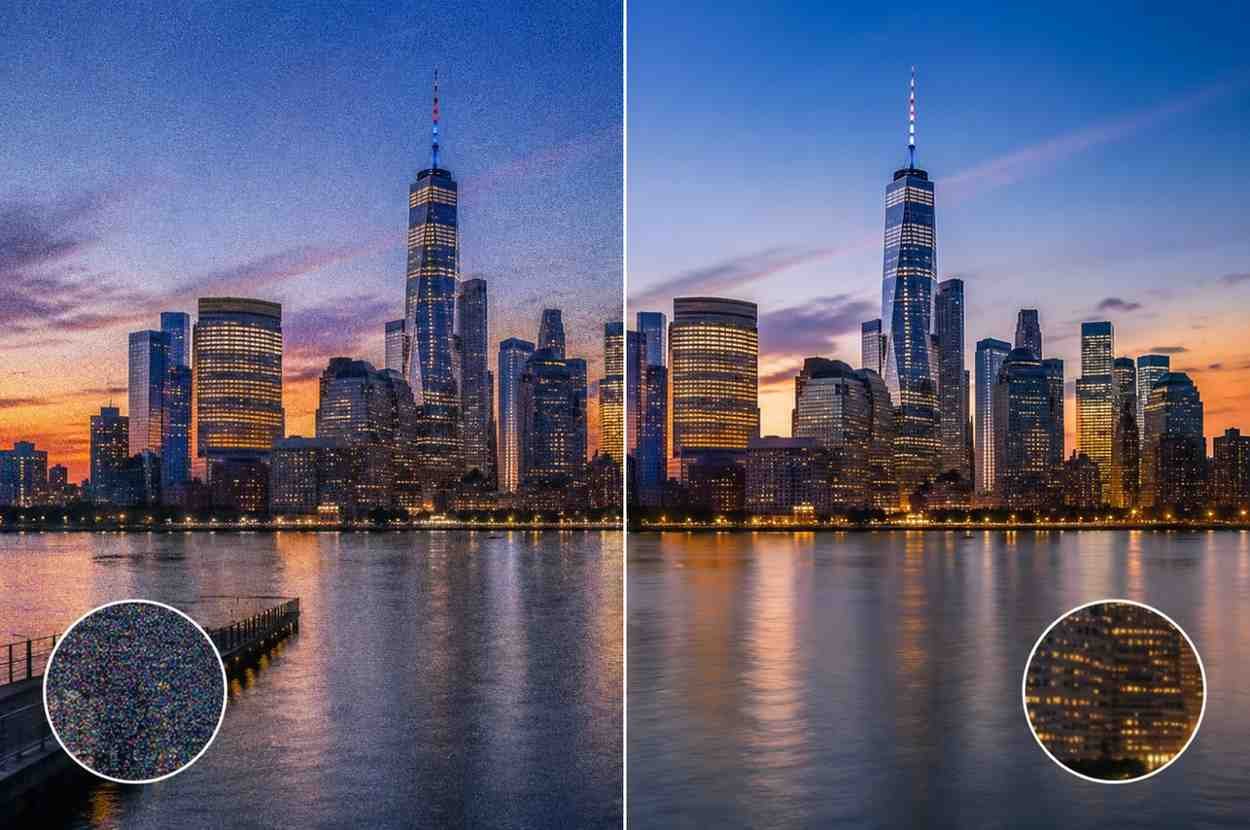
Noise reduction is one of the most important aspects of photo quality improvement. Excessive digital noise can make even a well-composed image look unprofessional.
The easiest way to minimize noise is to keep ISO settings as low as possible. Most cameras produce their cleanest files at their native ISO, commonly ISO 100 or ISO 64. Lower ISO settings preserve image detail and maintain a wider dynamic range.
When shooting in low-light conditions, photographers often increase ISO too quickly. Instead, consider:
- Using a tripod when possible
- Increasing available light
- Slowing the shutter speed for stationary subjects
- Opening the aperture carefully
These adjustments often produce cleaner images than relying solely on higher ISO values.
Improve Lighting Before Editing
Lighting affects image quality more than almost any camera setting. Even advanced image enhancement tools struggle to correct poor lighting conditions.
One common mistake is mixing different light sources. For example, daylight entering through a window may combine with warm indoor lighting, creating inconsistent colors and unnatural skin tones.
Whenever possible, work with a single dominant light source. Consistent lighting simplifies color correction and helps maintain natural-looking photos during editing.
Natural window light remains one of the most reliable options for portraits, product photography, and lifestyle images. Its soft quality helps preserve detail while reducing harsh shadows and unwanted color casts.
Don’t Ignore Lens Maintenance
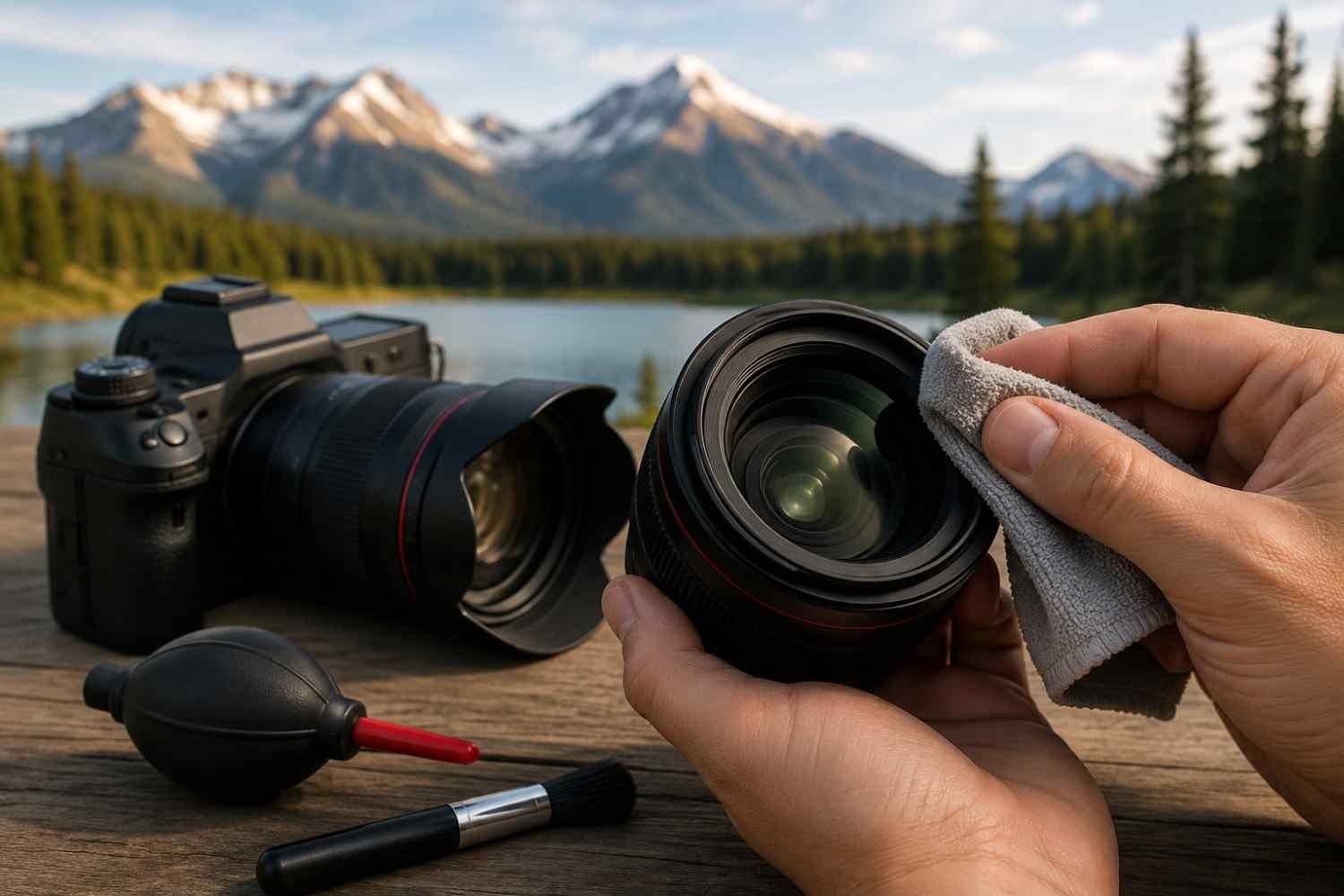
Sometimes image quality issues have surprisingly simple causes.
Fingerprints, dust, and smudges on the front element of a lens can reduce image clarity and interfere with autofocus performance. Light scatters differently when it passes through a dirty lens surface, often resulting in softer images and lower contrast.
Regularly cleaning your lens with a microfiber cloth helps maintain sharp photos and ensures your camera performs at its best. It is a small habit that can make a noticeable difference over time.
Shoot in RAW for Better Editing Flexibility
If you regularly edit photos, switching from JPEG to RAW is one of the most valuable techniques that improve image quality.
RAW files contain significantly more image data than compressed JPEG files. This additional information provides greater flexibility when adjusting exposure, recovering shadows, and refining highlights.
Many professional photographers rely on RAW images because they preserve details that might otherwise be lost during compression. This allows for more natural-looking edits and reduces the risk of degrading image quality during post-processing.
Understanding RAW workflows is also useful when studying how creators edit photos for social media, since many professionals begin with RAW files before preparing optimized versions for different platforms.
Use AI Enhancement Tools With Restraint

Artificial intelligence has transformed modern photo editing techniques. Features such as image upscaling and AI photo enhancement can improve low-resolution files and restore lost detail.
However, these tools should be viewed as supplements rather than solutions.
AI can help improve image resolution when working with cropped photos or older files, but it cannot truly recreate information that was never captured. Excessive enhancement often introduces unrealistic textures and artificial-looking details.
When using AI tools, small adjustments generally deliver the most convincing results. The objective is to support the original image rather than completely transform it.
FAQs: Techniques That Improve Image Quality for Sharper, Cleaner, and More Natural Photos
1. What Is the Best Camera Setting for Sharp Photos?
There is no universal setting, but using an appropriate shutter speed, accurate focus, low ISO, and your lens’s sweet spot typically produces the sharpest results.
2. Does Shooting in RAW Improve Image Quality?
RAW files do not automatically improve quality, but they preserve more image data, making it easier to create cleaner and more natural edits during post-processing.
3. Can AI Tools Replace Traditional Photo Editing?
No. AI tools can assist with image enhancement and image upscaling, but strong photography fundamentals remain essential for achieving professional results.
4. Why Do My Photos Look Soft Even With a Good Camera?
Soft photos often result from camera shake, missed focus, dirty lenses, incorrect shutter speeds, or excessive editing rather than limitations of the camera itself.
Final Thoughts
The best techniques that improve image quality are often the simplest ones. Stable shooting, thoughtful lighting, low ISO settings, careful focus, and restrained editing consistently produce better results than relying on expensive equipment or aggressive software corrections. The strongest images usually begin with good habits during capture rather than attempts to fix problems afterward. When the foundation is solid, every step of the editing process becomes easier and more effective.
Focus on mastering the basics first. Small improvements in technique often lead to the biggest improvements in image quality over time.